Services / Access control
Access control installation in Orlando and Central Florida
Access control replaces keys with credentials you can issue, schedule and revoke in seconds, and it keeps a record of every door event. We design the system around your doors, your people and life-safety rules, then install it on a platform that fits how you want to manage it.
- UniFi Access, HID, Hikvision, Brivo
- Integrated with your security cameras
- More than 25 years in low voltage
- Credentials and training handed to you
Who needs an access control system?
Any business that has lost track of who has keys, or needs to know who opened a door and when, is a good fit for access control.
Offices
Front doors on a schedule, server rooms and records rooms restricted, and badges removed the day an employee leaves.
Medical and dental clinics
Staff-only areas, medication rooms and records storage with an audit trail of every entry.
Restaurants and retail
Back doors, stock rooms and offices, with managers able to open for deliveries from a phone.
Warehouses and light industrial
Dock doors, gates and high-value cages, with different access for shifts and contractors.
HOAs, apartments and short-term rentals
Gates, pools, gyms and clubhouses, plus unit entry codes that change between guests.
Schools and churches
Lock-down capability, scheduled unlocks for events and controlled entry during the day.
Multi-location businesses
One dashboard for every site, with managers limited to their own location and owners seeing all of them.
Which access credential is best: card, fob, phone, PIN or biometric?
Most businesses use cards or fobs for staff and mobile credentials for managers, with PIN as a backup; the right mix depends on convenience, security and how often people come and go.
| Credential | Best for | Strengths | Watch out for |
|---|---|---|---|
| Card or key fob | Most staff doors | Fast, familiar, inexpensive to replace | Can be shared or lost; use encrypted cards, not old 125 kHz proximity |
| Mobile (phone) | Managers, remote users, multi-site | Nothing to hand out, issued and revoked remotely | Needs a charged phone and user setup |
| PIN code | Gates, amenities, backup entry | No hardware to issue | Codes get shared; change them often |
| Biometric (fingerprint or face) | High-security rooms | Cannot be lent to someone else | Enrollment, privacy policy and speed at busy doors |
| Multi-factor (card plus PIN) | Server rooms, pharmacies, cash rooms | Two proofs of identity | Slower, use only where it matters |
Older 125 kHz proximity cards can be copied with inexpensive tools. When we upgrade a system, we recommend encrypted credentials.
What access control platforms do we install?
We install UniFi Access, HID, Hikvision and Brivo, and stay brand neutral so the recommendation fits your building, not a sales quota.
UniFi Access
A strong fit when the network or cameras already run on UniFi. Doors, cameras and WiFi share one dashboard, and there are no per-door cloud subscriptions.
HID
Widely used readers and credentials, including encrypted cards and mobile credentials. Often the choice when a building standard or existing card base is HID.
Hikvision
Access control terminals with PIN, card and face recognition that pair naturally with Hikvision cameras and NVRs.
Brivo
Cloud-managed access control built for multi-site businesses and property managers who want to run every location from a browser.
How we choose
We look at what you already own, how many doors and sites you have, whether you want a subscription, and who will manage users day to day. The recommendation and its trade-offs are in writing with your quote.
Should access control be cloud-based or on-premise?
Cloud-based access control is easier to manage from anywhere, while on-premise keeps everything local; both keep doors working if the internet goes down when properly configured.
| Cloud-managed | On-premise | |
|---|---|---|
| Where it runs | Controllers on site, management in the cloud | Controller and software on your network |
| Remote management | Built in, from browser or app | Possible with secure remote access or VPN |
| Multiple locations | Very easy, one dashboard | Needs more setup |
| Ongoing costs | Usually a subscription per door or site | Usually no subscription; plan for updates |
| Internet outage | Doors keep working on cached rules; management pauses | Not affected |
| Updates | Handled by the platform | Your team or ours applies them |
What door hardware does access control need?
Every access controlled door needs a locking device, a reader, a door position sensor and a way to exit freely, and choosing the right lock matters as much as the software.
Electric strikes
Replace the strike plate in the frame so the existing lever and latch stay in place. Common on office and interior doors.
Magnetic locks (maglocks)
Hold the door with a magnet at the top of the frame. Useful on glass or double doors, but they need extra care for code-compliant egress.
Electrified locksets and exit devices
Locks or panic bars with the electronics built in, often the cleanest option for main entrances and exits.
Request-to-exit (REX)
A motion sensor or button that tells the system someone is leaving, so the door does not trigger a forced-door alarm.
Door position sensor
Reports whether the door is actually closed, which enables held-open and forced-open alerts.
What is the difference between fail-safe and fail-secure locks?
A fail-safe lock unlocks when power is lost, and a fail-secure lock stays locked when power is lost.
Fail-safe is typical for doors in the path of egress, where people must always be able to get out, and for doors that need to release when the fire alarm activates. Fail-secure is common on interior rooms like IT closets or stock rooms, where the inside handle still allows free exit but the room should stay locked from outside.
Life safety comes first. Egress rules, maglock release requirements and fire alarm tie-ins are set by the fire code and your local authority having jurisdiction (AHJ). We design the door with that in mind and coordinate with your fire alarm vendor and the AHJ before installation, never after.
What equipment do we install?
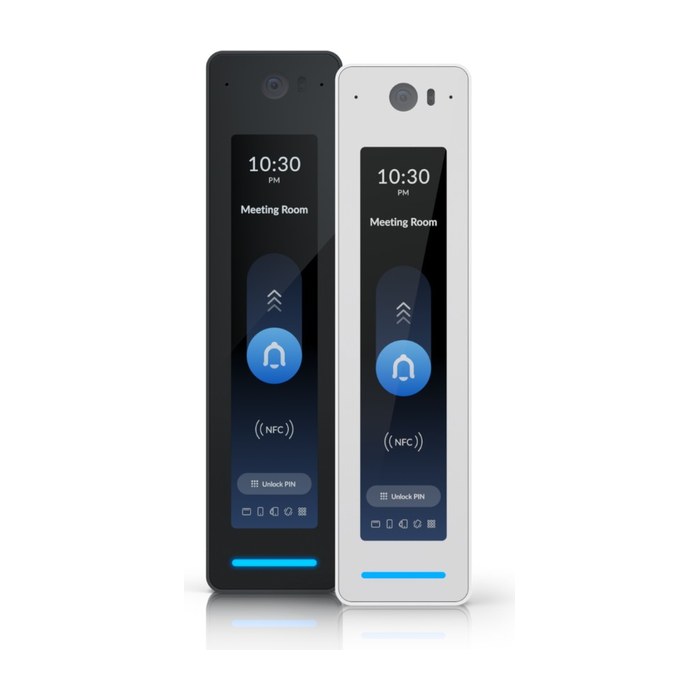
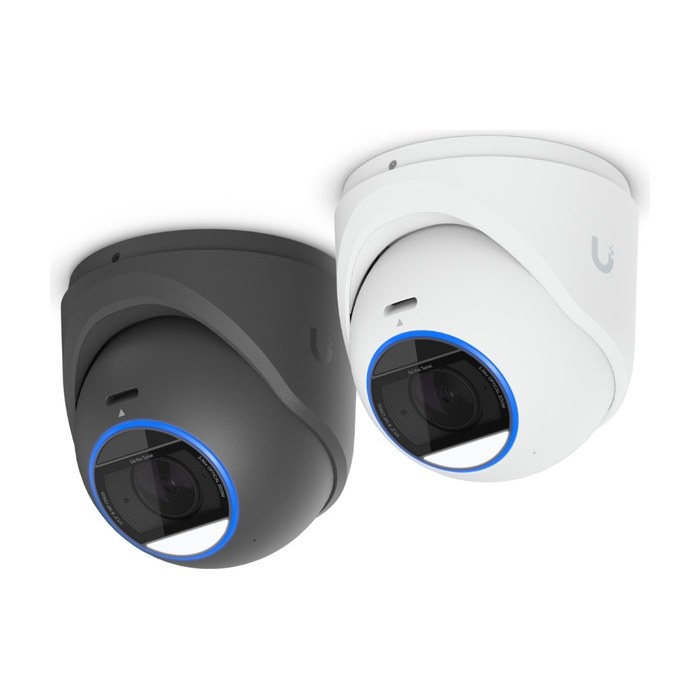
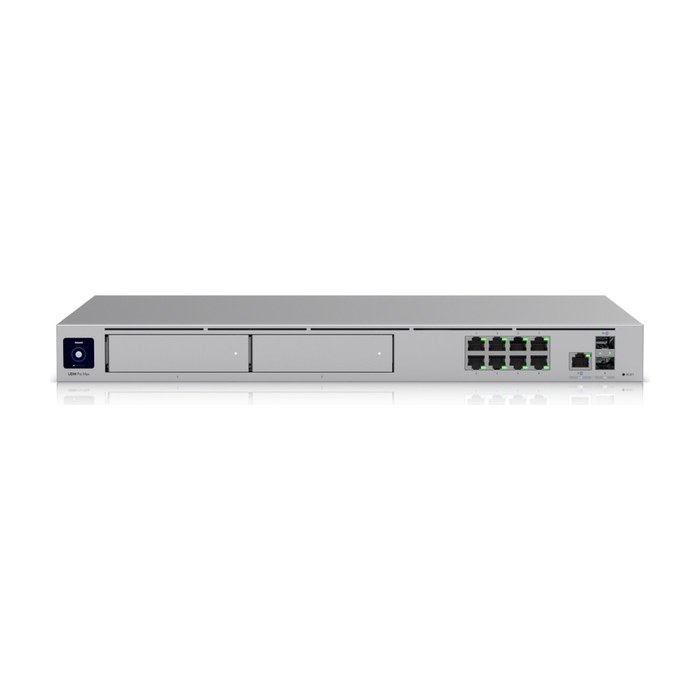
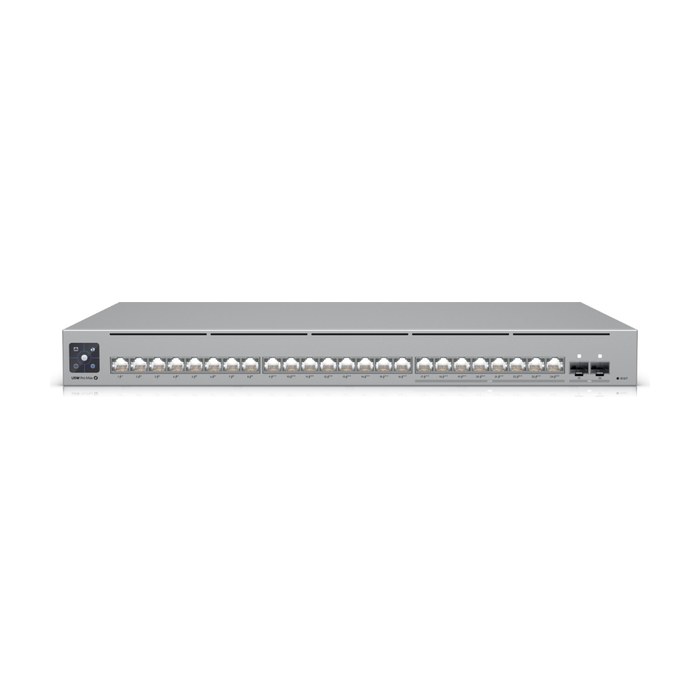
We pick the platform for your site, budget and how you want to manage it. Brands we install: UniFi Access, HID, Hikvision, Brivo.
What happens to access control during a power or internet outage?
A properly installed access control system keeps working during a short power outage on battery backup, and keeps granting access during an internet outage using rules stored on the local controller.
In Central Florida, afternoon storms and hurricane season make this a real design question. We size battery backup for the locks and controllers, add surge protection, and put the network switch and firewall on a UPS. We also confirm each door's fail-safe or fail-secure behavior matches what should happen when the batteries finally run out.
Cloud platforms cache credentials on the controller, so staff can still badge in without internet. Remote unlocks and new credentials resume when the connection comes back.
Can access control work with our cameras, intercom and reports?
Yes, and it should: tying door events to camera video lets you see who actually used a credential, not just whose card it was.
Depending on the platform, we can link each door to its nearest camera, pop up video on a forced-door alarm, and add a video intercom so staff can see and talk to a visitor before unlocking from a phone. Because we also design camera systems, the camera placement, network and door layout are planned together.
The audit trail records every door event with the time, the door and the credential, including denied attempts and doors forced or held open. That answers everyday questions: who opened the stock room last night, when the cleaning crew arrived, or whether a former employee tried an old card. Reports can be scheduled or exported, and schedules can unlock front doors at opening, lock them at closing and keep them locked on holidays.
We set up user groups, schedules and alerts during installation and train managers to add and remove people themselves, so day-to-day changes never wait on a service call.
Can you take over or upgrade an old access control system?
Yes, we regularly take over orphaned systems where the installer is gone, the software is outdated or nobody has the admin login.
We start by documenting what is on each door: reader type, lock, power supply, wiring and controller. Often readers, wiring and door hardware can be reused, and we replace only the controller and software. Where old proximity cards are in use, we can plan a phased move to encrypted credentials so staff are not locked out during the change.
How does access control work for HOA gates and amenities?
For HOAs, access control replaces shared gate codes and keys with credentials tied to each resident, so access ends when someone moves out.
Gates and entrances
Resident credentials or mobile access, with license plate cameras recording every vehicle in and out.
Pools, gyms and clubhouses
Scheduled hours, per-household credentials and the ability to suspend access in seconds.
Vendors and contractors
Time-limited codes that expire automatically after the job.
Former residents
Credentials removed centrally, no more old codes floating around the neighborhood.
What affects the cost of access control?
Cost depends mainly on the number of doors and the door hardware each one needs. The free site assessment produces a fixed written quote.
- Number of doors, gates and elevators
- Door type and lock hardware (strike, maglock, exit device)
- Cable run length and wall or ceiling access
- Credential type and quantity
- Cloud subscription vs on-premise software
- Camera and intercom integration
- Fire alarm tie-in and coordination
- After-hours installation
Team credentials
- 25+years hands-on
- Network+CompTIA Network+
- A+CompTIA A+
- MCSAMicrosoft Certified Systems Administrator
- MCSEMicrosoft Certified Systems Engineer
- HikvisionHikvision Certified
Access control: common questions
Industries we serve: Construction and contractors, Offices, Retail and restaurants, HOAs, property managers and rentals
What is access control?
Access control is an electronic system that decides who can open which doors and when, using cards, fobs, phones, PINs or biometrics instead of keys. Every entry is logged, and credentials can be added or revoked instantly.
Do I need an internet connection for access control to work?
No. The controller at your site stores the access rules, so doors keep working during an internet outage. Remote management and new credentials resume when the connection returns.
What happens to the doors when the power goes out?
Battery backup keeps locks and controllers running through a typical outage. When power is fully lost, fail-safe locks release and fail-secure locks stay locked, and we choose each door's behavior based on egress and fire code requirements.
Can we use our phones instead of key cards?
Yes. UniFi Access, HID, Hikvision and Brivo all support mobile credentials on supported readers. Many businesses use phones for managers and cards or fobs for everyone else.
Can you reuse our existing readers and wiring?
Often, yes. We document each door first and reuse compatible readers, wiring and hardware where it makes sense, replacing only what is outdated or unsupported. This is common when taking over a system whose installer is no longer around.
Can access control connect to our cameras?
Yes. We can link door events to camera video so you can see who used a credential, and add video intercoms for visitors. Planning doors and cameras together also simplifies the network behind them.
Is cloud-based access control a monthly cost?
Most cloud platforms charge a subscription, often per door or per site. Some systems, such as UniFi Access, run without a per-door subscription. We explain the ongoing costs of each option before you choose.
Can I see who entered and when?
Yes. Every badge, code, unlock and forced or held-open door is logged with time and user. Reports can be exported, and with camera integration you can pull the matching video clip.
Do you coordinate with the fire alarm system?
Yes. Doors in the path of egress often must release when the fire alarm activates. We coordinate with your fire alarm vendor and the local authority having jurisdiction before installation.
Often paired with
Network design and cabling
Network design and structured cabling for Central Florida businesses: Cat6, Cat6A and fiber, labeled, tested and documented, plus closet cleanups.
See network design and cablingSecurity camera systems
Commercial camera systems designed with coverage maps and pixel-per-foot targets, installed on a clean, secure network in Central Florida.
See security camera systemsBusiness WiFi and networking
Business WiFi designed from a site survey, built on wired access points, segmented for security and documented at handoff.
See business wifi and networkingBook a free site assessment
Tell us what you need. We'll call you to schedule a free on-site assessment.
- No cost, no obligation
- We walk the site and check what's already there
- You get a clear plan and written quote
Prefer to talk? (689) 999-1144